What is docs as code? A guide to documentation workflows
Docs as code means writing documentation the way developers write software. Here is what that involves, and who it suits.
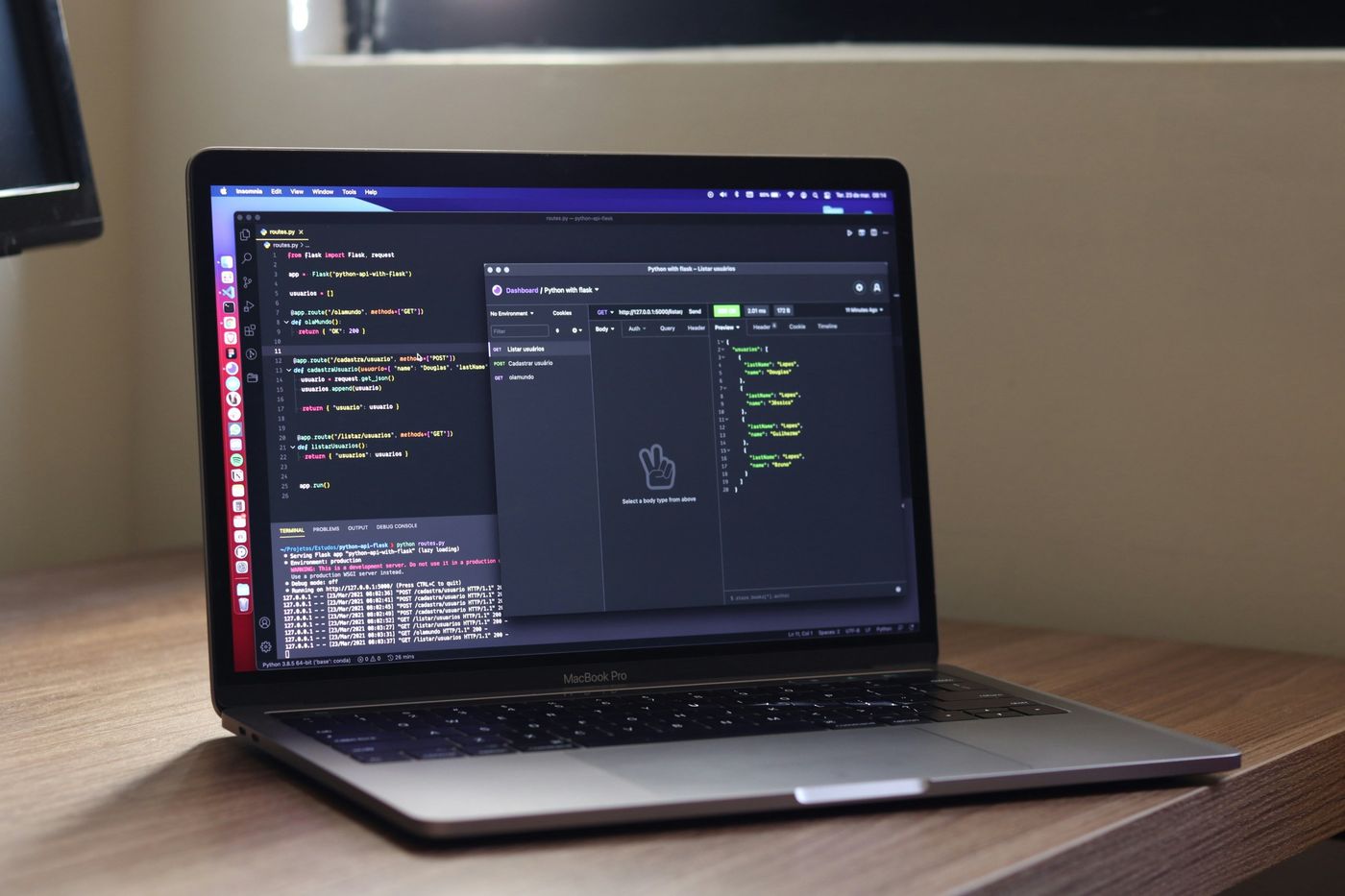
- Docs as code means plain-text files, version control and an automated publishing pipeline.
- It brings review, history and automation to documentation.
- It suits teams whose writers and engineers already work in Git.
If you have heard "docs as code" and nodded politely, you are in good company. It sounds more intimidating than it is. The idea is simple: instead of writing documentation in a word processor or a web editor, you treat it like software. You write it in plain text, keep it in a repository, and publish it through the same kind of pipeline that ships your code.
- 1 WritePlain-text files, usually Markdown, kept in a repository.
- 2 ReviewChanges are proposed in a pull request and reviewed like code.
- 3 BuildAutomated checks catch broken links and formatting, then the site is built.
- 4 PublishThe documentation site updates when the change is merged.
What changes in practice
A writer, or an engineer, edits a Markdown file. They open a pull request. Someone reviews it, often right next to the code change it relates to. Automated checks catch broken links and formatting slips. When the change is merged, the documentation site rebuilds itself. There is no export step, no emailing of drafts and no "which version is the latest?"
What you gain
The big wins are review and history. Documentation changes go through the same scrutiny as code, so errors get caught earlier. Every change is recorded, so you can see who changed what and why, and roll it back if you need to. And because documentation sits beside the code, it is much easier to update both together.
Automation is the third gain. You can generate an API reference from an OpenAPI file, run a style checker on every change, and publish without anyone pressing a button.
What it costs
It asks more of writers. They need to be comfortable with Git, at least the handful of commands used every day. Editing a Markdown file is easy, but people who are used to a visual editor sometimes find the first few weeks awkward. It also asks something of the team: someone has to set up and look after the pipeline.
Who it suits
Docs as code works best for software products with developer audiences, frequent releases and engineers who already live in Git. It is a poor fit if most of your contributors are non-technical and you have nobody to look after the tooling. In that case a good content management system may serve you better, and there is no shame in that.
If you are new to the format, our Markdown guide covers the syntax you will use every day.
A typical workflow, step by step
- A writer or engineer creates a branch from the main documentation repository.
- They edit Markdown files in an editor and preview the result locally.
- They open a pull request describing what changed and why.
- Automated checks run: broken links, spelling, style rules, build errors.
- A reviewer, often an engineer for accuracy and a writer for clarity, comments on the changes.
- The change is merged, and the site rebuilds and publishes automatically.
The result is a visible history of every change, who made it, and who approved it. If something goes wrong, you can roll back to an earlier version in minutes.
Tools you will meet
| Purpose | Common choices |
|---|---|
| Source format | Markdown, reStructuredText, AsciiDoc |
| Site generator | MkDocs, Docusaurus, Hugo, Sphinx |
| Version control | Git, hosted on GitHub, GitLab or Bitbucket |
| Checks | Vale for style, link checkers, spell checkers |
| Publishing | Netlify, GitHub Pages, internal hosting |
You do not need all of these on day one. Many teams begin with Markdown, Git and a simple generator, then add checks as the habit settles.
Getting a team started
- Start with one product or one section, not the whole library.
- Pick a generator your engineers already know.
- Write a short contributor guide, with a clear way for non-technical colleagues to suggest changes.
- Add one automated check at a time, so people are not overwhelmed.
- Keep a visual editor or a simple form for contributors who do not use Git.
If you are learning the format, our article on Markdown for technical writers is a good first stop.
Setting up the repository, the build and the review flow is the work of documentation engineering. Our embedded technical writers can then run the process day to day in your own repository.
Do writers need to learn Git to work this way?
Yes, the basics. Most writers pick up what they need, such as branching, committing and opening a pull request, within a couple of weeks.
Do technical writers need to learn Git?
The basics, yes: branches, commits and pull requests. Most writers pick it up in a few weeks with some support.
Is docs as code suitable for non-developer products?
It can be, but the benefits are strongest when contributors already work in code. If most reviewers do not use Git, a simpler workflow may serve you better.
Does docs as code replace a CMS?
It replaces the way content is stored and published. Some teams add a headless CMS or editing interface on top for people who prefer not to use files.
Need help with documentation?
Tell us what you are working on. We will tell you how we would approach it.